

Welcome back to Know Your Portal, our series of quick guides helping you get the most out of your ParentShield Portal.
This time, we’re looking at a simple feature that makes your child’s call and text history much easier to understand – adding a name to a phone number.
How to Assign Names to Numbers
Make Unfamiliar Numbers Easy to Recognise
When reviewing your child’s history, you might see a number you recognise but can’t immediately place.
Perhaps it belongs to a grandparent, a school friend or another family member.
Rather than having to remember who each number belongs to, you can give it a name in your ParentShield Portal.
How to Add a Name?
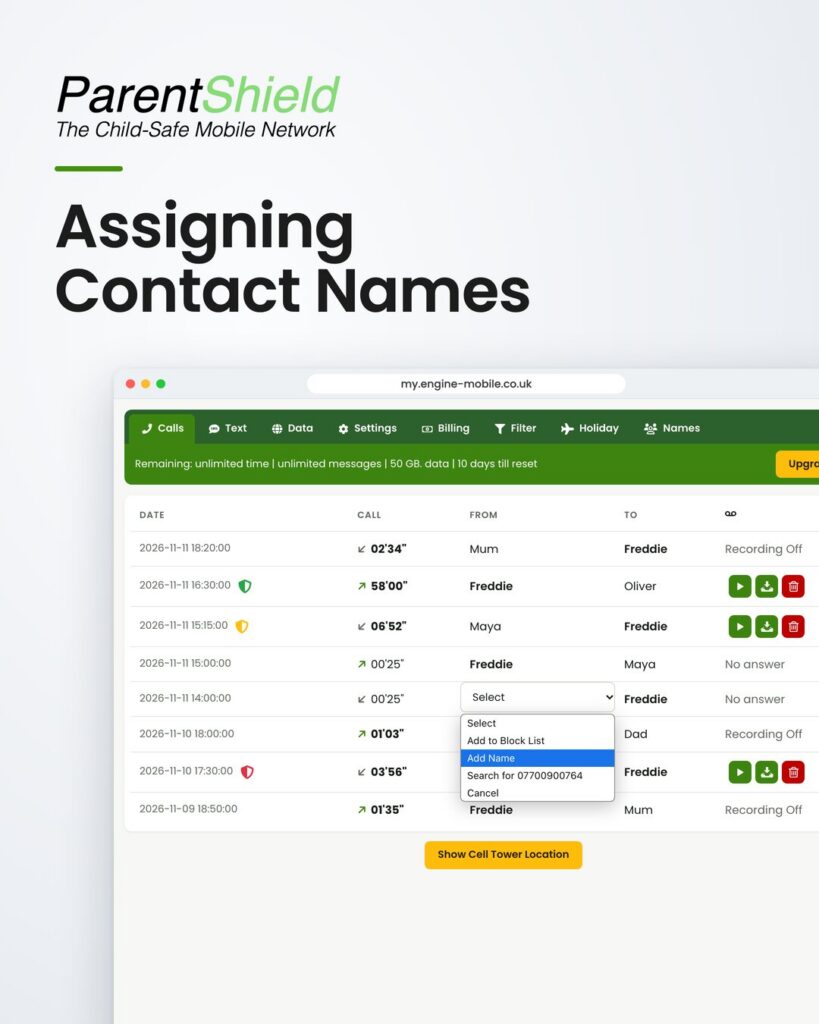
You can associate a name with a phone number directly in the portal.
- Log in to your ParentShield Portal.
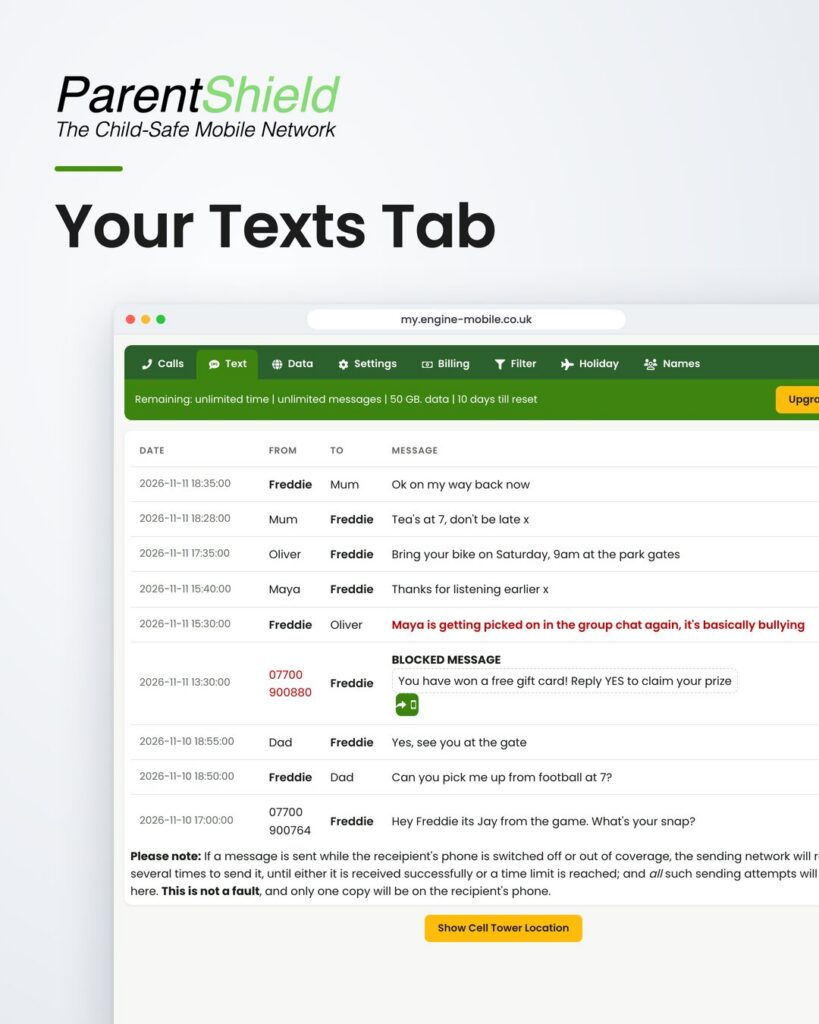
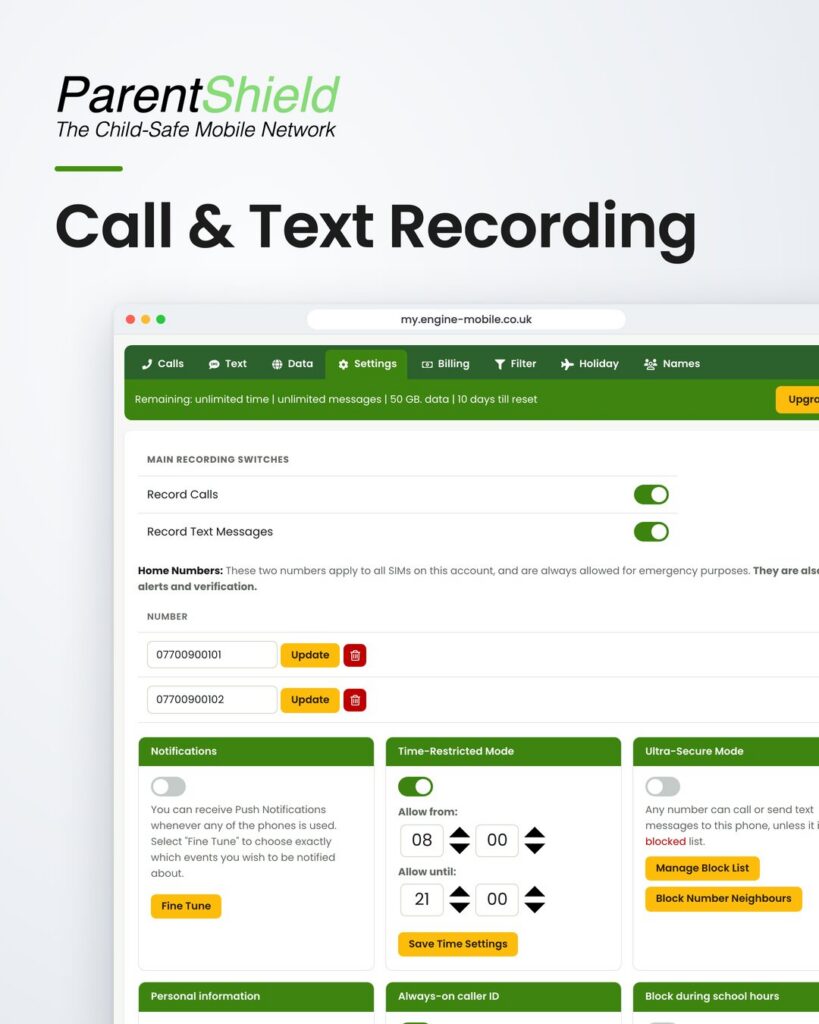
- Open either recording tabs.
- Find the phone number you’d like to identify.
- Select the number and choose the option to add or edit its name.
- Enter the name you want to associate with that number and save it.
Why is this Useful?
As your child begins using their mobile phone more regularly, keeping track of different numbers can become tricky.
Adding names helps make your portal easier to read, particularly when several family members or friends regularly contact your child.
For more information, have a read through our Names4Numbers post.
Explore More: Know Your Portal
More Episodes Coming Soon!
We’re releasing a Know Your Portal episode every Monday to Friday until all 14 episodes have been covered.
If you click on an episode and its page isn’t available yet, don’t worry – It simply means that guide hasn’t been published. Keep an eye on our website and check back soon for the next instalment!