

Welcome back to Know Your Portal!, our series of bite-sized guides explaining how to use your ParentShield Portal.
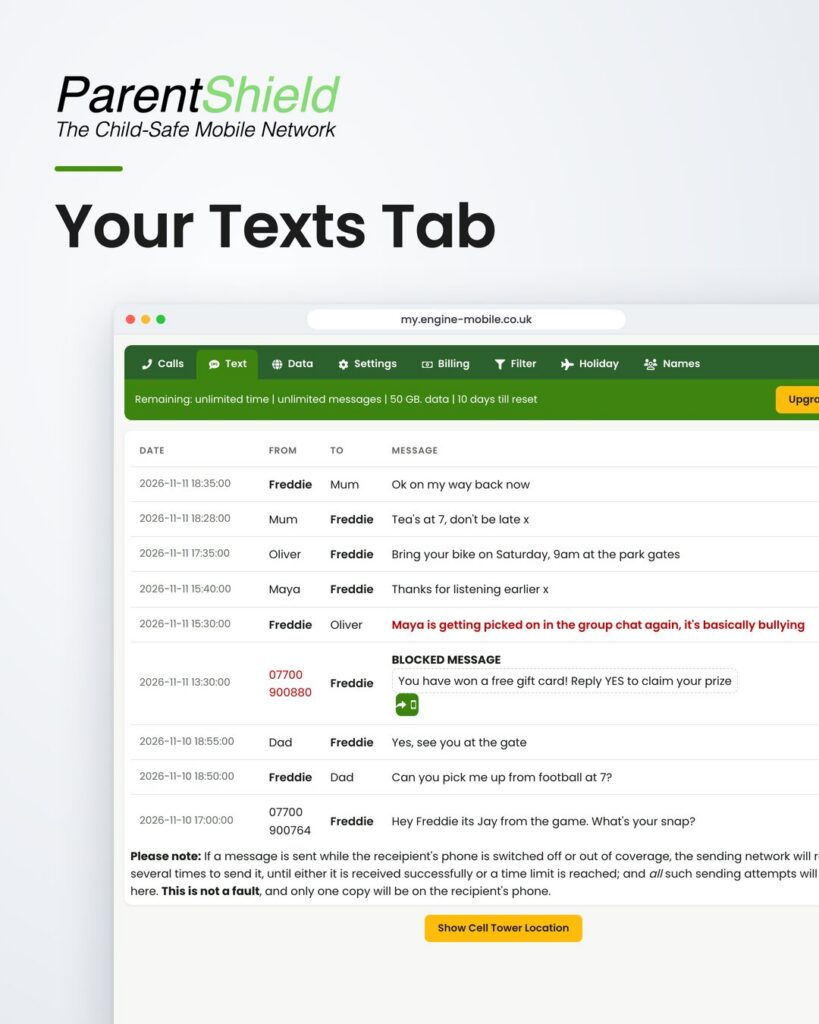
This time, we’re taking a closer look at the Texts tab and how it helps you review your child’s SMS activity.
ParentShield Texts Tab Walkthrough
Keep Track of Text Messages
Messaging is one of the ways children communicate with friends and family.
Being able to monitor text messages together in one place makes it easier to review activity.
Rather than needing to check your child’s handset, you can log in to your portal and view the available text message recordings.
Why is this Useful?
The Texts tab brings your child’s SMS activity together in one convenient place, making it easier to see who they’re messaging. You can review conversations and stay informed without needing access to their phone
For more information, have a read through ParentShield’s SMS School post.
Explore More: Know Your Portal
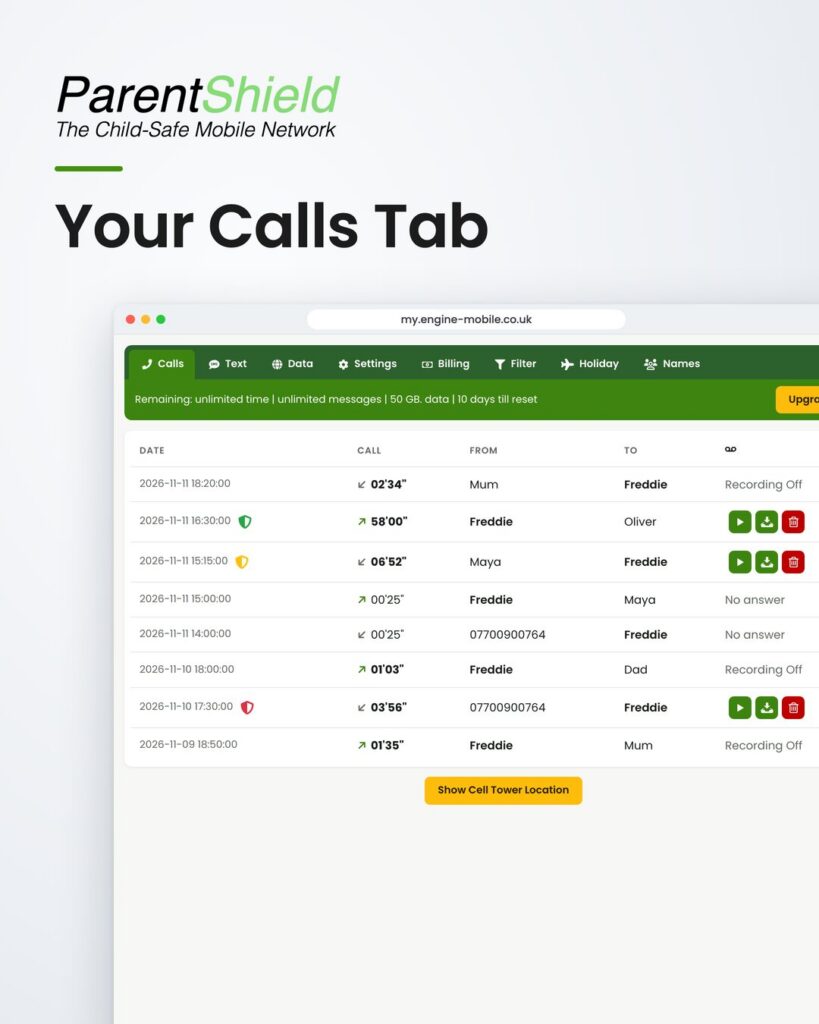
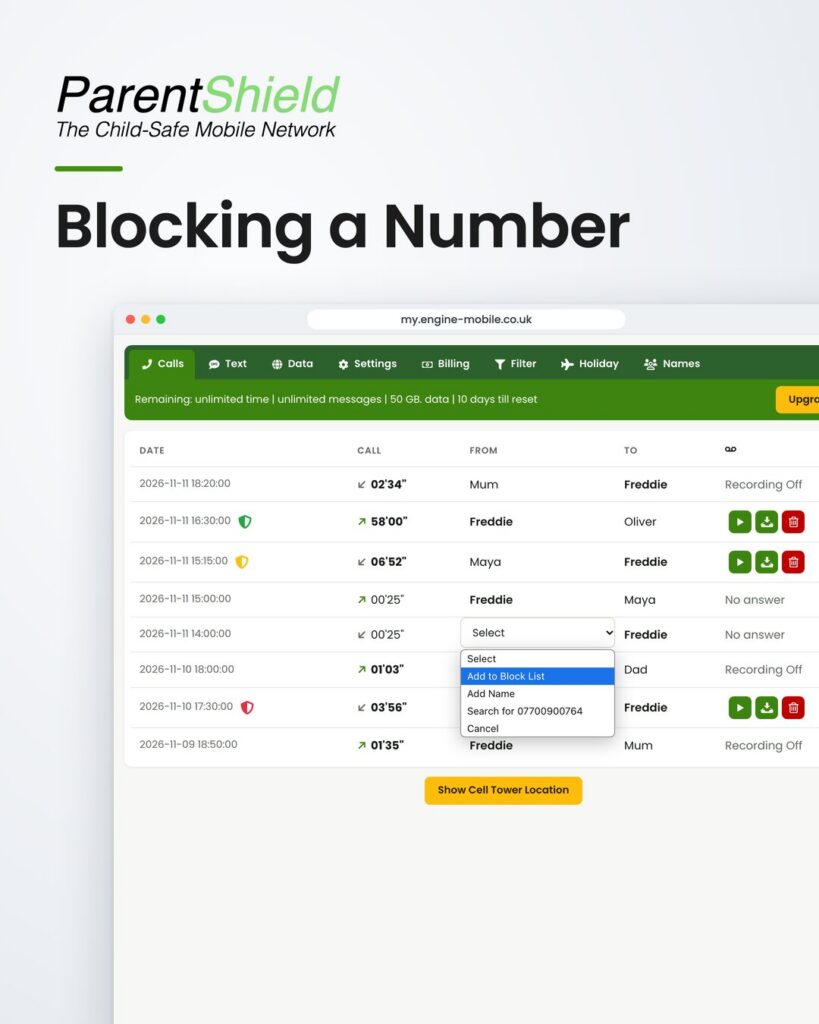
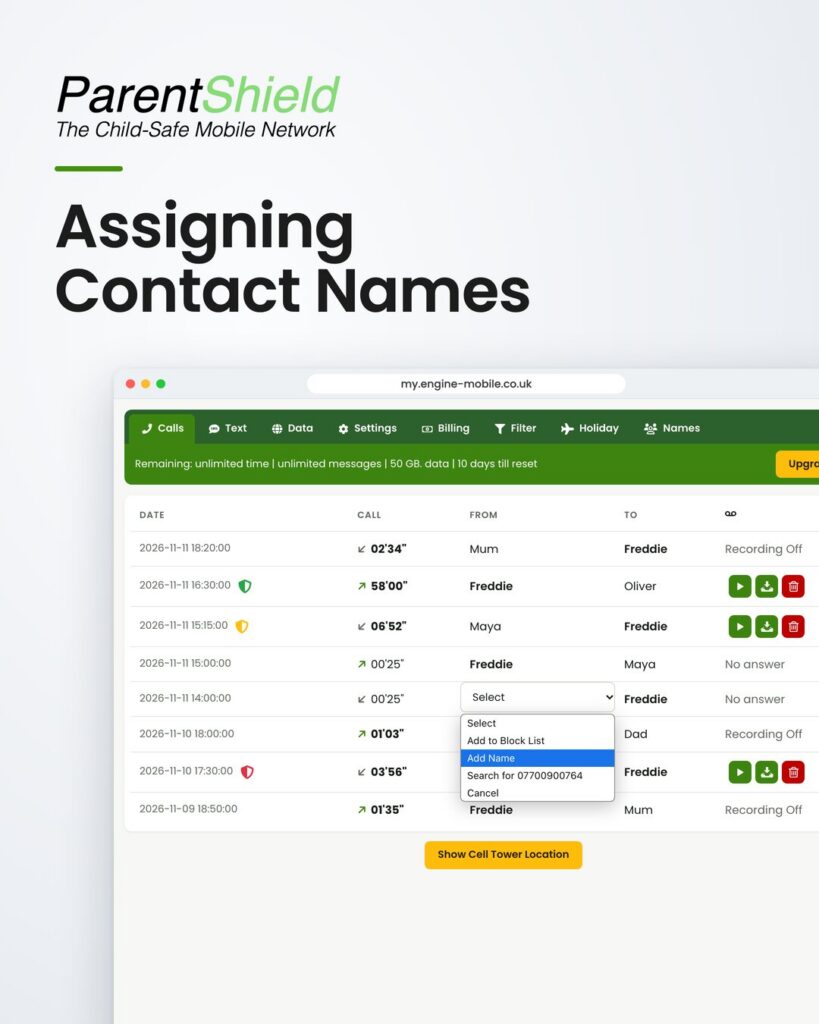
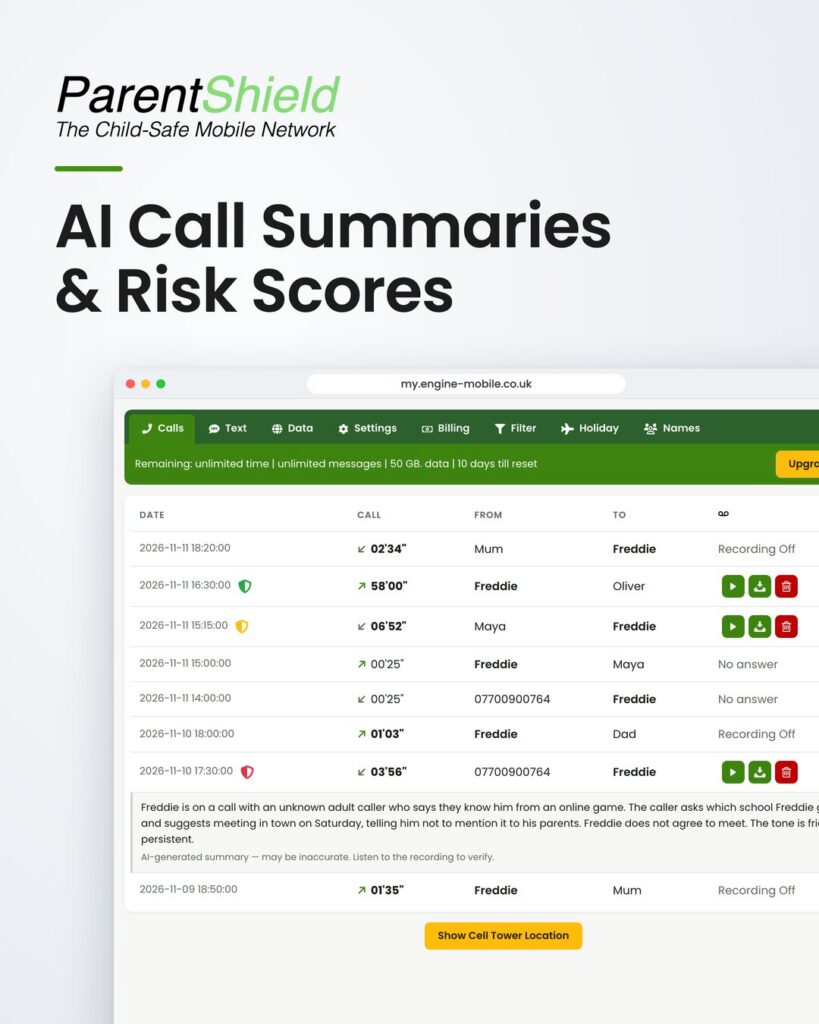
More Episodes Coming Soon!
We’re releasing a Know Your Portal episode every Monday to Friday until all 14 episodes have been covered.
If you click on an episode and its page isn’t available yet, don’t worry – It simply means that guide hasn’t been published. Keep an eye on our website and check back soon for the next instalment!