

Apple adopted eSIM earlier than most manufacturers, making it much simpler for parents choosing an eSIM for their child’s phone.
The good news: almost all modern iPhones support eSIM.
iPhones that support eSIM
All iPhones from iPhone XS onwards support eSIM
This includes:
- iPhone XS Series (XS, XS Max)
- iPhone XR
- iPhone 11 series (11, 11 Pro, 11 Pro Max)
- iPhone SE Series (2020, 2022)
- iPhone 12 series (Mini, 12, 12 Pro, 12 Pro Max)
- iPhone 13 series (Mini, 13, 13 Pro, 13 Pro Max)
- iPhone 14 series (14, 14 Plus, 14 Pro, 14 Pro Max)
- iPhone 15 series (15, 15 Plus, 15 Pro, 15 Pro Max)
- iPhone 16 series (16, 16 Plus, 16 Pro, 16 Pro Max, 16E)
- iPhone 17 series (17, 17 Pro, 17 Pro Max)
- iPhone Air (eSIM only)
iPhones that do not support eSIM
- iPhone X
- iPhone 8 / 8 Plus
- iPhone 7 and older
These models require a physical SIM only.
How to check eSIM on an iPhone
On your child’s iPhone:
- Go to Settings
- Tap Mobile Data
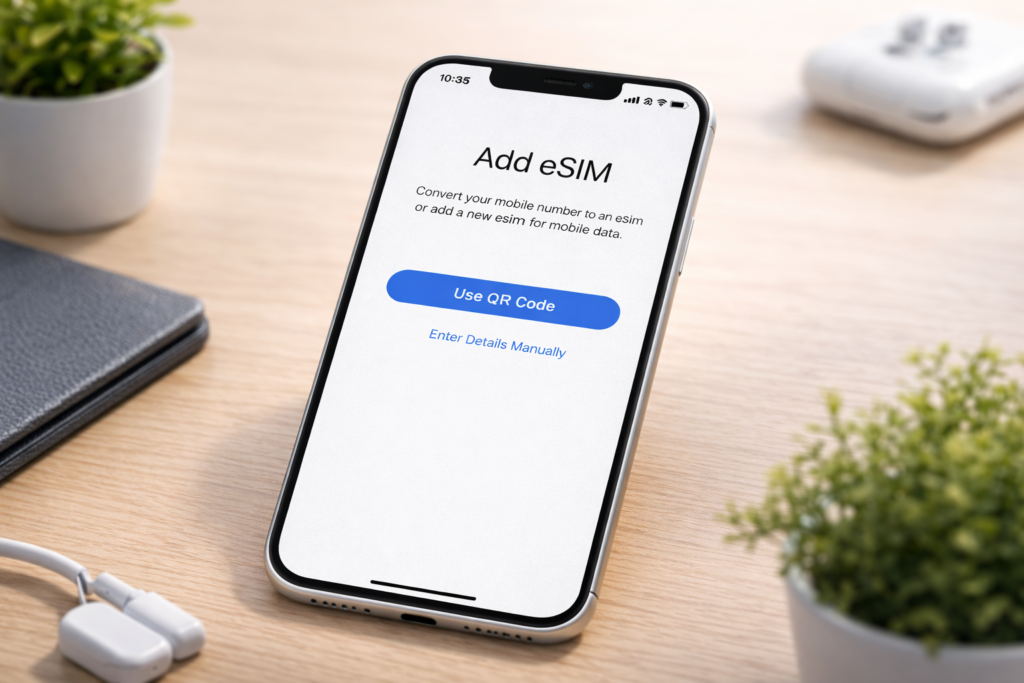
- Look for “Add eSIM” or “Add Mobile Data Plan”
If it’s there, the iPhone supports eSIM.
Why ParentShield eSIMs are the best eSIMs for kids phones
ParentShield eSIMs are built specifically for children, not generic adult mobile plans. They are built specifically for children and teenagers, with safety controls applied at network level, not just through apps or phone settings.
Key service features include:
Call and text monitoring – parents can see who their child is contacting and what is being said, helping them spot anything unusual or concerning.
Time controls – parents can choose when to allow calls, texts and mobile data for their child’s phone – bedtime means bedtime!
Ultra-Secure Mode – optionally lock the phone to trusted family and friends only
Data management – control data access remotely, (or by time controls ) to keep you in control
Usage alerts – parents are notified if their child communicates with a stranger, or if concerning words or phrases are detected in text messages
eSIM convenience – instant digital setup with no SIM card to lose