

Most parents give their child a mobile phone for one simple reason:
to stay safe and stay in touch.
But there’s something many parents don’t realise until later…
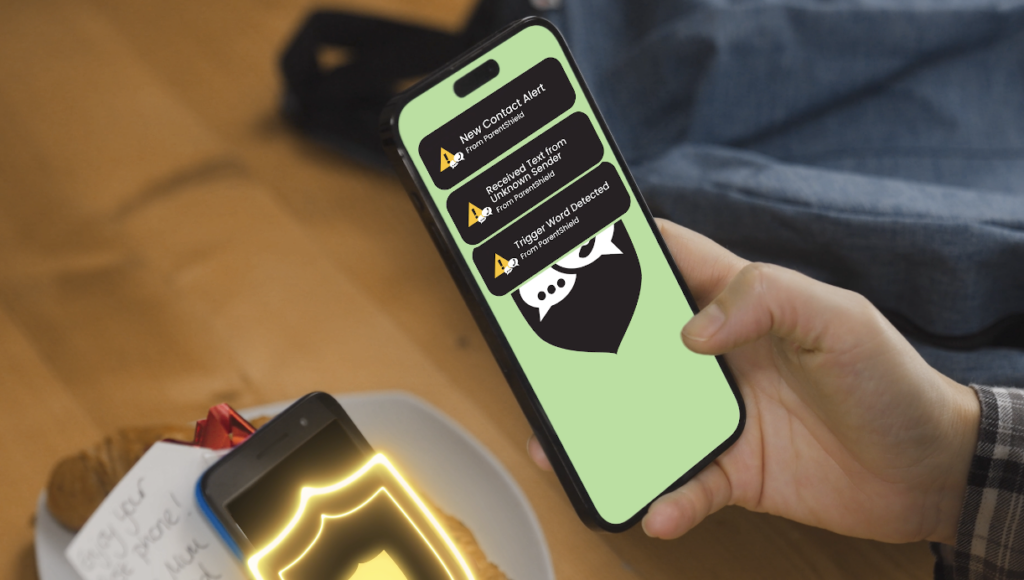
Once a child has a phone number, anyone can usually contact them.
That might include:
- Wrong numbers
- Spam callers
- Scam texts
- Unknown people messaging them
- Other children sharing their number
And unless you regularly check your child’s phone, you may never know it’s happening.
For many parents, the real concern isn’t just strangers contacting their child – it’s not knowing about it.
The good news is that there is a simple way to receive alerts when new people contact your child’s phone.
Why Unknown Contacts Are a Risk for Children
Children are naturally trusting.
If a phone rings or a message appears, many children will simply answer or reply without thinking twice.
Unfortunately, children’s numbers can end up being shared more widely than parents expect:
- Written down in school planners
- Shared between friends
- Even a misdial
Once that happens, the number can sometimes reach people outside your child’s trusted circle.
This doesn’t mean something dangerous will happen – but many parents understandably want to know if it does.
Knowing about new contacts early allows parents to:
- check whether the contact is legitimate
- speak to their child about it
- block numbers if necessary
- keep their child’s phone use safe and controlled
How Parents Can Be Notified When Someone New Contacts Their Child
With most mobile networks, parents have very little visibility over who contacts their child.
You may only find out about it if:
- your child mentions it
- you check the phone yourself
- something goes wrong
However, ParentShield allows parents to receive automatic alerts when a new contact appears.
This means that when a number not already known communicates with the phone, the parent can be notified.
It’s similar to the way many banking apps notify you when something unusual happens.
ParentShield’s New Correspondent Alerts
ParentShield SIM cards include a feature called New Correspondent Alerts.
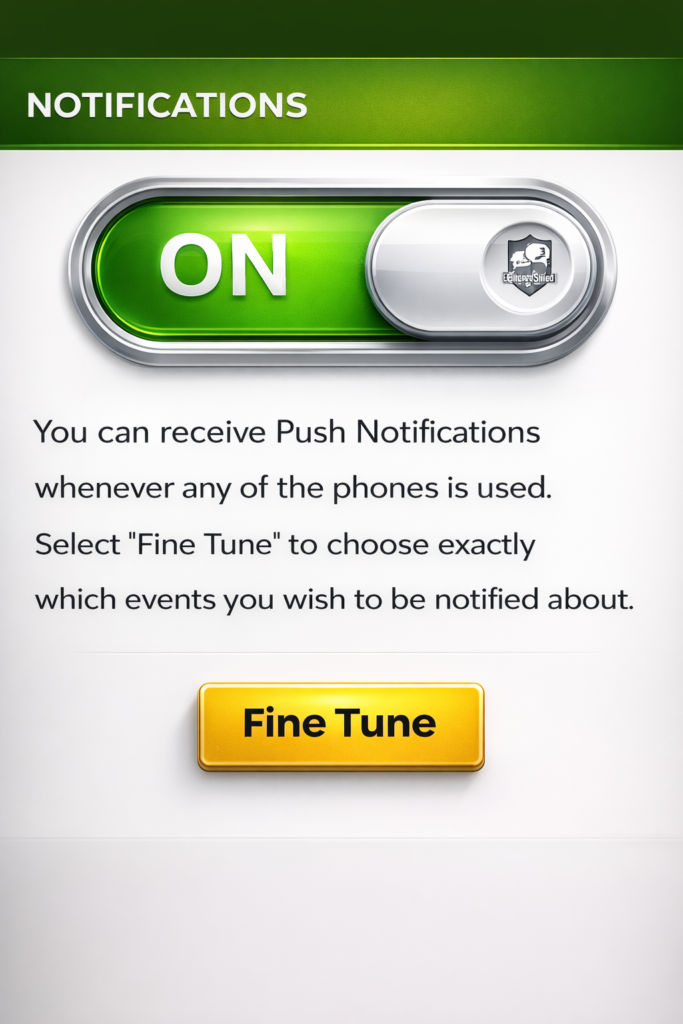
This feature notifies parents whenever a new phone number communicates with their child’s phone.
For example, you can receive an alert if:
- a new number sends a text message
- your child receives a call from a number not previously seen
- your child sends a message to or calls someone new
The alert simply lets you know a new number has appeared, allowing you to decide whether it’s something you want to check.
Often the number will belong to:
- a new friend
- a teacher or club organiser
- another parent
- a family member using a different phone
But if it’s something unexpected, you can take action quickly.
Real Peace of Mind for Parents
Many parents say the biggest benefit of this feature is simply peace of mind.
You no longer need to regularly inspect your child’s phone or ask who they’ve been talking to.
Instead, you receive a simple notification when something new happens.
It’s about being aware of new contacts and keeping communication safe.
How to Turn On Alerts in the ParentShield Portal
One of the reasons parents like ParentShield is that these alerts are very easy to enable.
Once your child’s SIM is active, you simply log into the ParentShield Portal.
From there you can turn on push notifications for alerts.
The process takes only a few steps.
Step 1 – Log in to your ParentShield Portal
Visit the ParentShield portal or via your ParentShield Portal app
Step 2 – Head to the Settings Tab
Inside the ParentShield Portal you’ll find the settings tab.
Step 3 – Enable push notifications
Amongst a whole suite of features, you can enable push notifications so alerts appear instantly on your device
That means if a new number contacts your child’s phone, or your child contacts a new number, you’ll know right away – even if your child has a SIM card with no data.